Listen to each part
in the score.
Hear the full orchestra, or focus on the piano or strings while you practise.


PDF, photo or MusicXML
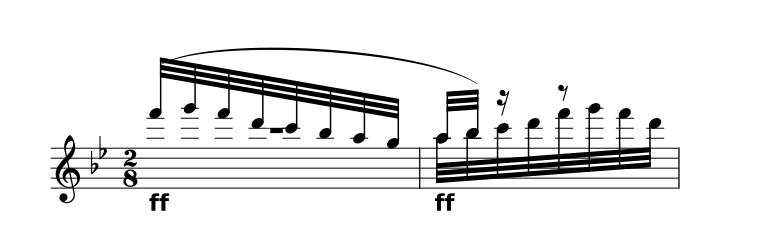
Pini di RomaOttorino Respighi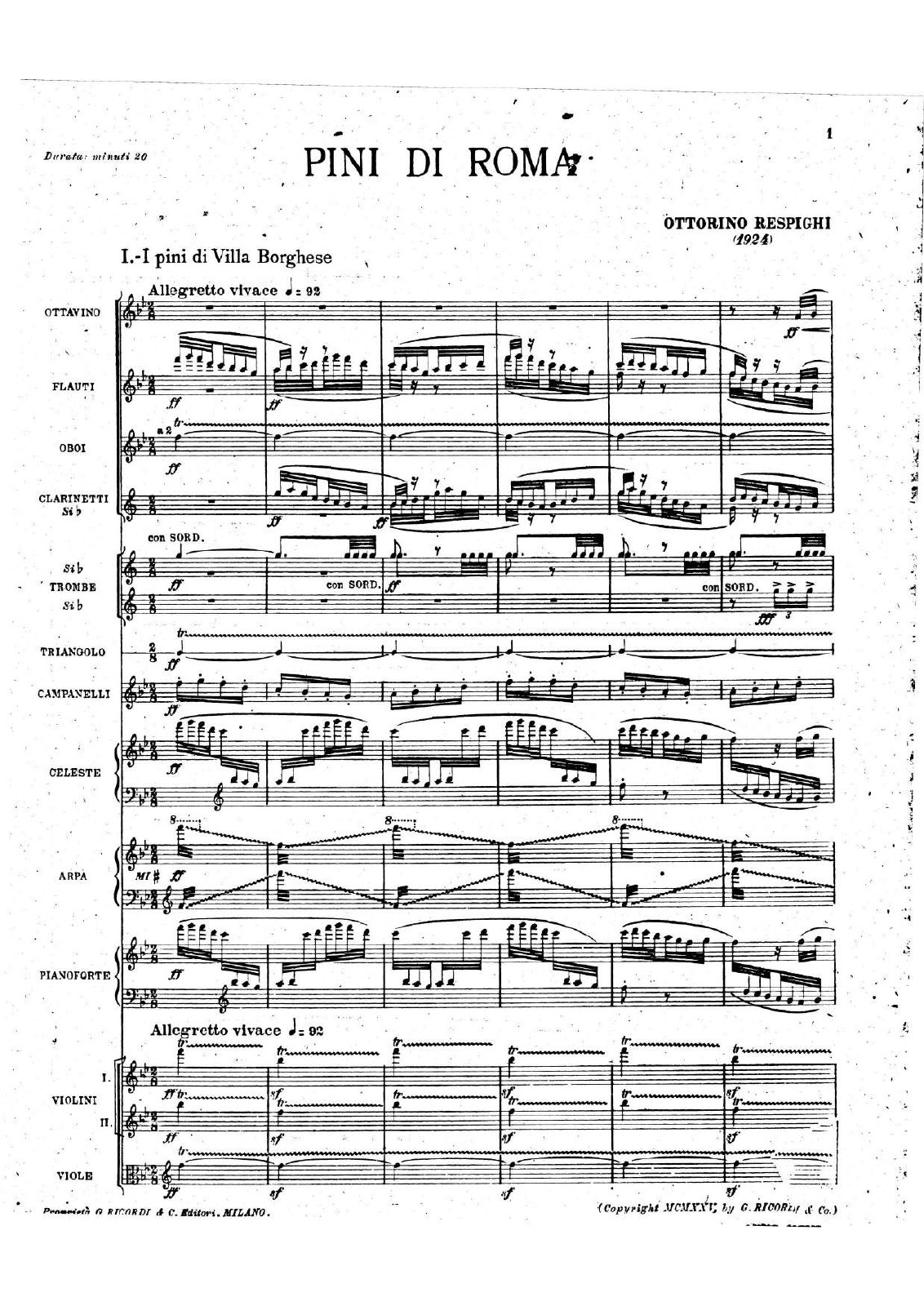

Edit
Produce
Listen
Photograph the whole page, with the music in focus.
Try the complete movement · Ottorino Respighi,
The Pines of Villa Borghese.
Try the controls below with a .
Hear the full orchestra, or focus on the piano or strings while you practise.
Choose a key for your voice or instrument. Transpose the editable score and hear the result. Keep the source PDF alongside your new version.
Slow the music without changing its pitch, and loop the bars you want to practice.
Upload clear printed notation as a PDF or photo, up to 20 pages and 25 MB. Check the recognized notes and instruments against the source. Our Respighi example pairs its original orchestral PDF with prepared reference notation; automatic recognition of dense orchestral scores still needs careful correction. Handwriting and tablature aren’t supported.
Yes. Save a PDF for printing, MusicXML for notation software, MIDI for a music app, or MP3 and WAV for listening. Review the export settings for the version you want. Audio and MIDI use your current key, tempo and part mix, without the practice loop or metronome. MIDI does not preserve the printed notation; keep MusicXML and the original PDF too.
Yes, in your browser. Take a photo or upload a file, then sign in with an email link. Your scores stay in this browser on this device. Export a copy to keep it elsewhere.