

Scan your sheet music and export it as MIDI.
Turn a PDF or photo of sheet music into note and timing data for your music software.
Choose a score for MIDI
PDF, photo or MusicXML
Printed music · up to 20 pages / 25 MB
Sign in to open your own score.
Try it with Respighi.
The Pines of Villa Borghese
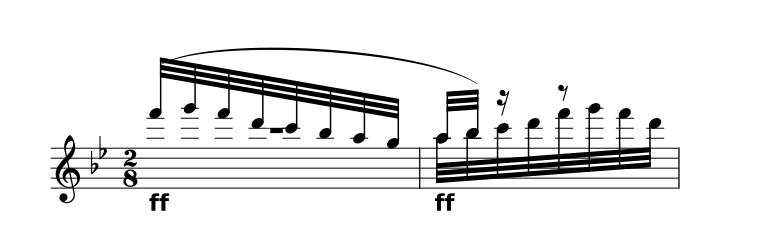
Choose your settings before downloading.
About the prepared demo
The complete movement pairs the original 1925 Ricordi score with a CC0 community transcription. It opens prepared reference notation, without running a scan.
All 43 source parts and 51 staves are retained. Timing repairs, instrument sounds and interpretation limits are documented.
View the original PDF Sources & preparationHow to convert sheet music to MIDI
Scan your score
Upload a clear PDF or photo, or open MusicXML directly.
Check the notes
Compare every part with the original, then choose your tempo and key.
Export MIDI
Download the MIDI file and check its tracks in your music app.
Work with the notes in your music app.
MIDI carries note and timing information. Use it when you want to choose sounds or edit a performance in another music app.
- Notes, tracks and timing
- Export the loaded score or excerpt with your selected key, tempo and part mix. Practice looping and the metronome are excluded.
- Sound comes from your player
- MIDI carries performance instructions, not the Inklef sample recordings. Your music app chooses how those instructions sound.
- Keep notation separately
- Page layout, spelling and many engraved markings cannot be represented faithfully in MIDI. Keep a MusicXML copy and the original PDF too.
A few useful answers.
Can I convert a PDF or JPG to MIDI?
Yes, through recognition and review: Inklef reads the notation from the page before creating MIDI. A clear scan helps, but dense scores can still need corrections.
Is MIDI an audio recording?
No. MIDI describes a performance; the app or instrument playing it supplies the sound. For a ready-to-listen recording, use MP3.
Will MIDI preserve the page layout?
No. For editable notation, use MusicXML. For a printable score, use PDF. MIDI is intended for notes, timing and performance data.
What can I upload?
PDF, JPG, PNG or WebP of printed music, up to 20 pages and 25 MB, or MusicXML/MXL. Sign in to open your own score. Check scanned notes against the original; handwriting and tablature aren’t supported.