

Turn your sheet music into an MP3.
Make an MP3 practice recording from your score, with the tempo, key and parts you choose.
Choose a score for MP3
PDF, photo or MusicXML
Printed music · up to 20 pages / 25 MB
Sign in to open your own score.
Try it with Respighi.
The Pines of Villa Borghese
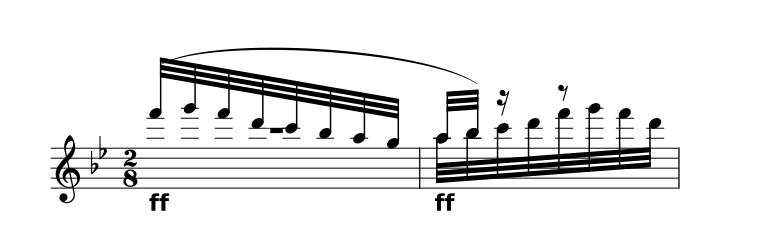
Choose your settings before downloading.
About the prepared demo
The complete movement pairs the original 1925 Ricordi score with a CC0 community transcription. It opens prepared reference notation, without running a scan.
All 43 source parts and 51 staves are retained. Timing repairs, instrument sounds and interpretation limits are documented.
View the original PDF Sources & preparationHow to make a practice recording
Open and review
Upload PDF, photo or MusicXML. Check the notes before making a recording.
Choose your mix
Set the tempo and key, then solo, mute or rebalance the parts.
Save an MP3
Export the full score or excerpt as audio, up to 10 minutes long.
Take your practice mix with you.
Hear your part on its own or lower it to practise with the written accompaniment. Your exported audio uses the selected tempo, key and instrument mix.
- Build the balance
- Listen to the full ensemble, bring a part forward, or mute it to rehearse with the written accompaniment.
- Take the whole excerpt
- Export renders the full loaded score or excerpt with your current key, tempo and mix, up to 10 minutes. It excludes the practice loop and click.
- Choose MP3 or WAV
- MP3 is a smaller listening file. WAV keeps uncompressed audio. Both use sampled playback; expressive markings still need a careful listening check.
A few useful answers.
Can I listen without keeping Inklef open?
An exported MP3 can play in your usual audio player. Save a copy on your device and use that player’s playback controls.
Does the MP3 contain my practice loop?
Audio export uses the full loaded score or excerpt, with looping and the metronome turned off. It does not repeat your selected practice loop.
Is this a recording of real musicians?
No. It is playback generated from the reviewed score using instrument samples. Compare it with the source; the prepared Respighi example does not establish concert-level interpretation.
What can I upload?
PDF, JPG, PNG or WebP of printed music, up to 20 pages and 25 MB, or MusicXML/MXL. Sign in to open your own score. Check scanned notes against the original; handwriting and tablature aren’t supported.